
Download PicTexter – ASCII art, image to text, convert picture to ASCII, ASCII generator, ASCII art maker
Overview
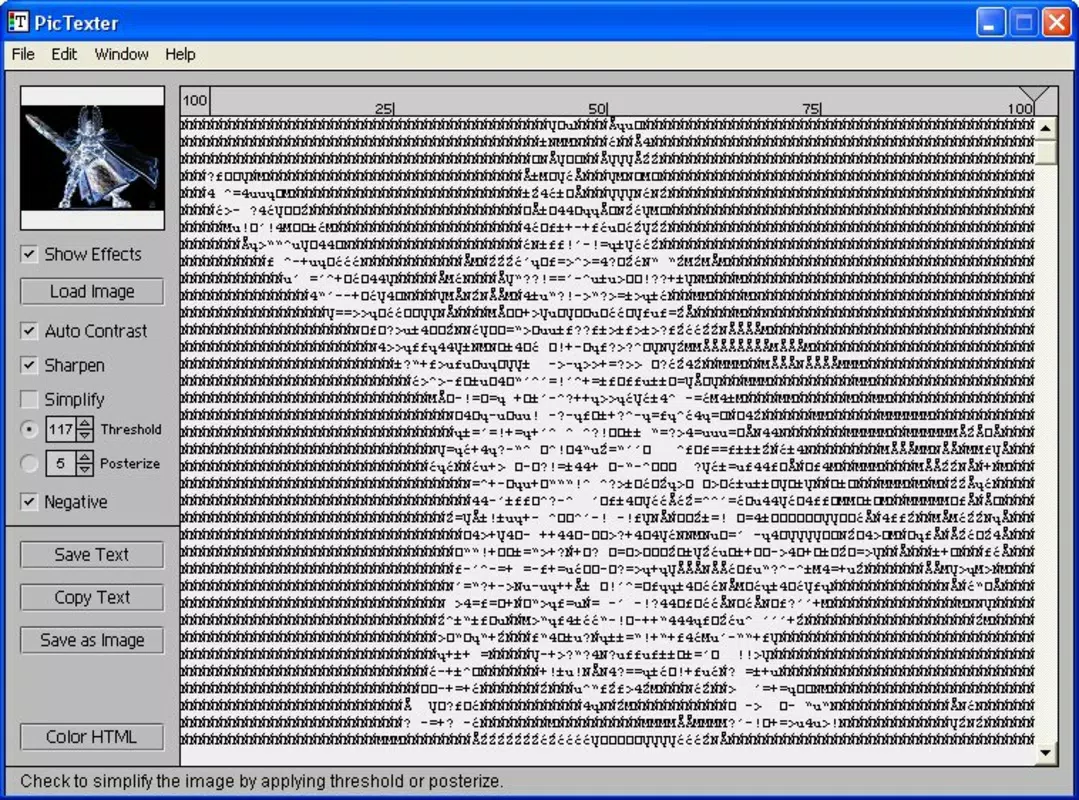
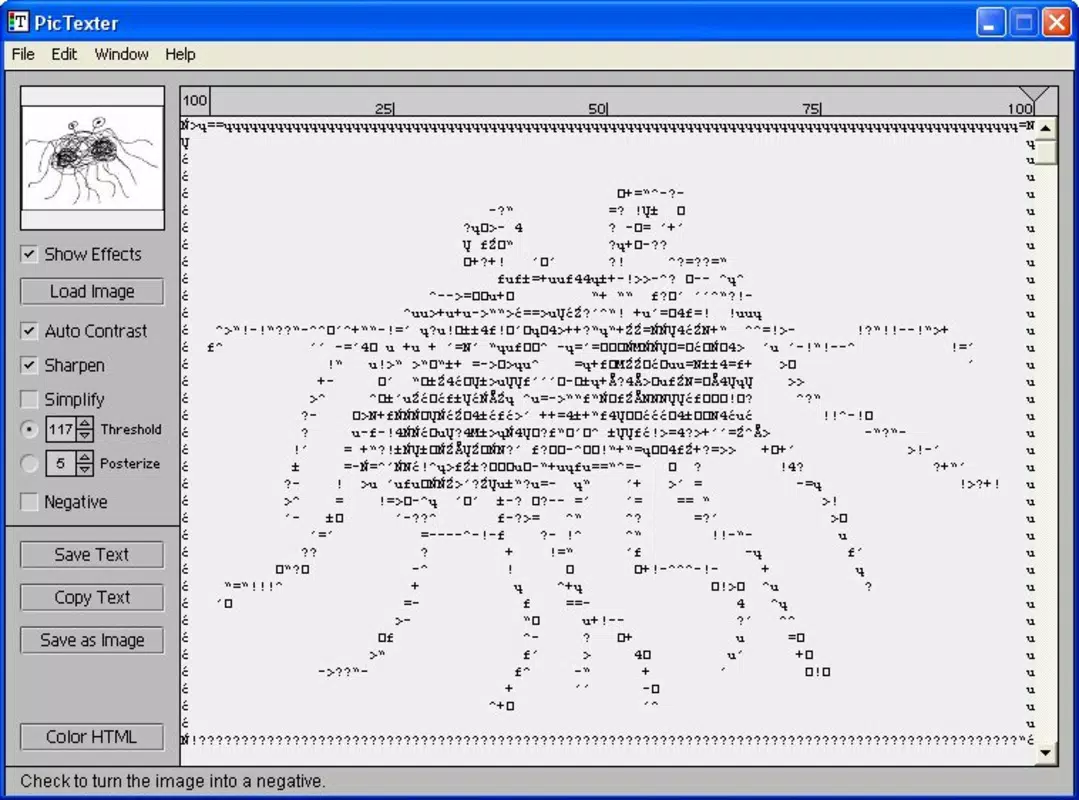
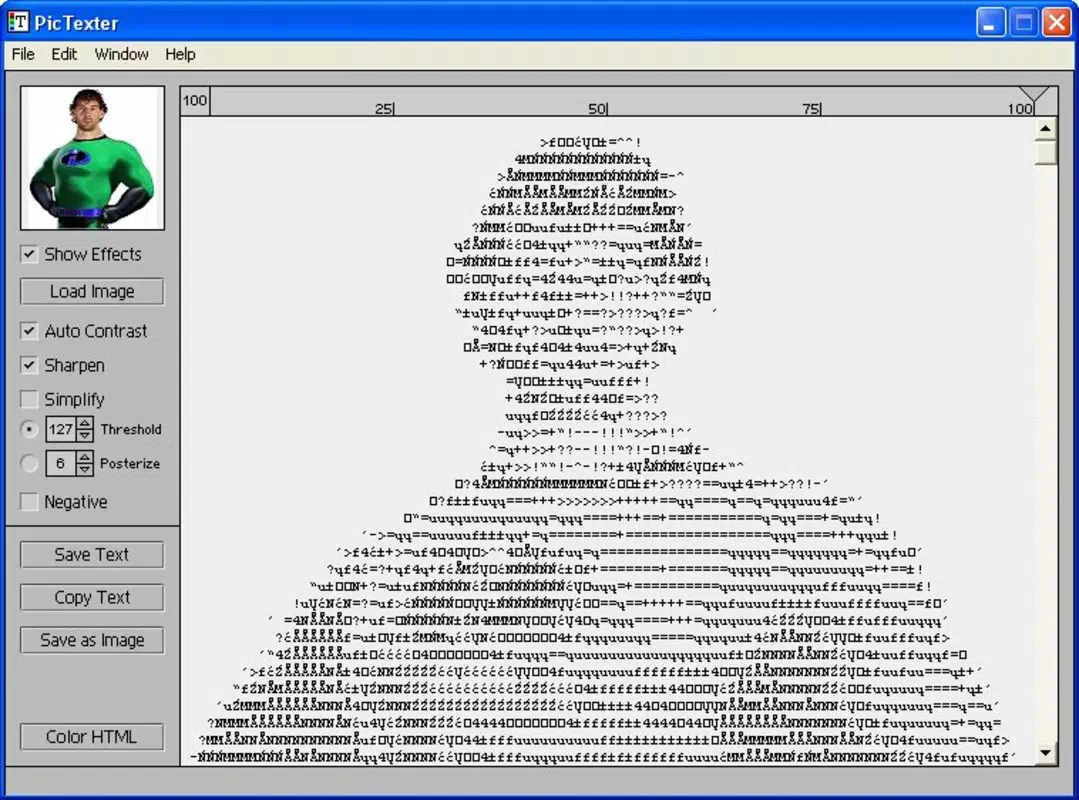
PicTexter is a lightweight, productivity-focused mobile utility designed to transform digital images into ASCII art with minimal user effort. The app serves as a straightforward tool for users who wish to convert their favorite photographs or digital artwork into text-based representations using characters like @, #, and *—a unique blend of nostalgia and creative expression. It is particularly useful for individuals interested in retro computing aesthetics, digital art experimentation, or those who enjoy sharing stylized text versions of images on social media, forums, or messaging platforms.
Target users include hobbyists, digital artists, tech enthusiasts, and students exploring text-based visual art. The app’s simplicity makes it accessible even to users unfamiliar with ASCII formatting or image processing. While the developer, Joe C. Jones, is credited with its creation, no additional background on the individual or their other projects was provided. The app has been available since 2006, indicating a long-standing presence in the mobile utility space, though its current development status remains unspecified.
Real-world use cases include generating ASCII versions of personal photos for email signatures, creating text-based logos for websites, or simply enjoying the visual effect of familiar images rendered in monochrome text. In the broader app ecosystem, PicTexter occupies a niche role as a specialized utility, offering a focused experience without the bloat common in feature-heavy applications.
Key Features & Functionality
- User-Friendly Interface: PicTexter features a clean, uncluttered layout designed to prioritize the conversion process. Navigation is straightforward, with minimal on-screen elements, allowing users to focus on uploading and viewing their ASCII output without distraction.
- Automatic Conversion: Once an image is selected, the app automatically processes it into ASCII characters. The algorithm handles scaling, contrast adjustment, and character mapping behind the scenes, reducing user involvement to a single tap.
- Wide Format Support: The application supports multiple image file types, including BMP, JPG, JPEG, GIF, PNG, TGA, and TIFF. This ensures compatibility with images captured from various sources, including cameras, social media, and file storage.
- Distance Viewing for Clarity: The app emphasizes that the final ASCII artwork is best viewed from a distance. This design consideration enhances readability and visual impact, aligning with traditional practices in ASCII art display.
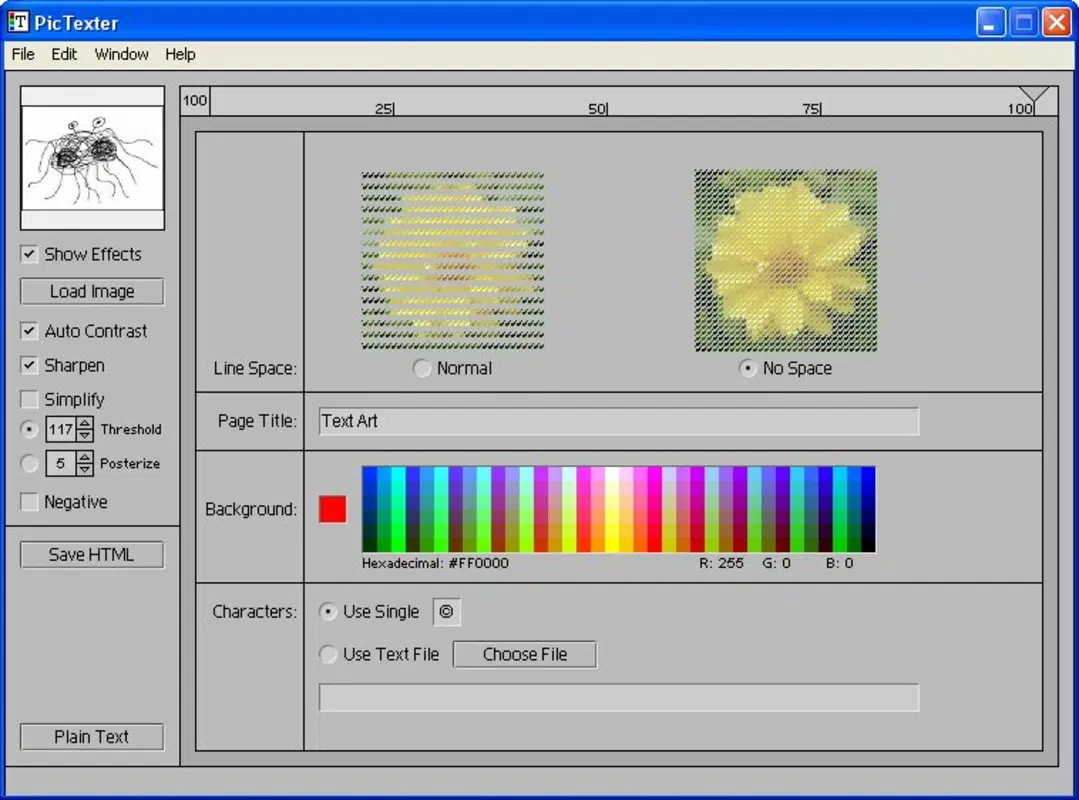
- No Unnecessary Features: PicTexter intentionally avoids adding extra tools or settings. This minimalist approach ensures a consistent, distraction-free experience, ideal for users seeking a single-purpose utility.
For example, a user might convert a favorite landscape photo into ASCII text to use as a desktop background or share on a text-based forum. The lack of advanced customization options means the app is not suited for fine-tuning character density or color mapping, but it excels in delivering a quick, reliable conversion with minimal setup.
Interface, UX & Performance
PicTexter’s interface is built around simplicity and functionality. The layout is minimal, with primary controls centered on image selection and conversion. The visual style is utilitarian, favoring clarity over decorative elements. Users can expect a consistent navigation flow: select image → wait for processing → view result.
Although the developer did not list formal performance metrics, the app’s small file size of 1.2 MB suggests it is optimized for low-resource devices. It is likely to run efficiently on older Android devices, though specific performance benchmarks were not provided. Responsiveness during image loading and conversion appears to be adequate based on its long-standing availability, though real-world testing on modern hardware was not detailed.
Stability is implied by its continued presence since 2006, though no official updates or maintenance history were shared. Users should expect a stable experience for basic conversion tasks, though the absence of recent updates may raise concerns about compatibility with newer Android versions. The app’s lightweight nature reduces the risk of crashes or memory issues during standard use.
Platform Compatibility & Technical Requirements
PicTexter is available on the Android platform. The current software version is 1.0.1, with a file size of 1.2 MB. The app is offered free of charge, making it accessible to users seeking a no-cost solution for ASCII art conversion.
The developer did not specify minimum OS requirements or device compatibility details. As such, it is unclear whether the app supports Android 5.0 or later, or if it is limited to older versions. Users should exercise caution when installing on newer devices, as compatibility may vary. The lack of detailed technical specifications limits the ability to assess performance across different device categories, such as tablets, foldables, or budget smartphones.
Pros and Cons
Pros
- Simple, intuitive interface ideal for beginners
- Supports multiple common image formats
- Lightweight at just 1.2 MB
- Free to download and use
- Focuses on a single, well-executed function
Cons
- No detailed technical or compatibility information provided
- Unknown support for modern Android versions
- Limited customization options for ASCII output
- Outdated release date suggests possible lack of active development
- No visible update history or changelog
FAQ
Is PicTexter safe to install on my Android device?
Yes, the app is free and available from a known developer. However, since it has not been updated since 2006, users should ensure their device’s security settings allow installation from unknown sources and review permissions carefully.
Can I use PicTexter to convert photos from my phone’s gallery?
Yes, the app supports common image formats and should be able to access photos stored on your device’s internal storage or SD card, provided the necessary permissions are granted.
Does PicTexter support color ASCII art?
The app’s documentation does not mention color output. Based on its design, it likely generates monochrome ASCII art using standard text characters.
Is PicTexter compatible with Android 12 or later?
The developer did not specify compatibility with newer Android versions. While it may work on some devices, there is no guarantee of full functionality or stability on modern systems.
How do I update PicTexter if a new version is released?
Since the app has not been updated since 2006, it is unlikely that future updates will be released. Users should monitor official sources or developer pages for any potential changes.
Final Thoughts
PicTexter remains a rare example of a focused, no-frills mobile utility that delivers on its core promise: converting images into ASCII art with ease. Its minimalist design, support for multiple image formats, and lightweight footprint make it a compelling choice for users interested in retro digital art or quick text-based image transformations. While its age raises questions about modern compatibility and ongoing support, its simplicity and free availability continue to offer value.
Those who appreciate niche tools, enjoy experimenting with text-based visuals, or need a one-off ASCII conversion will find PicTexter both practical and nostalgic. For users seeking a reliable, straightforward solution without complexity or cost, the app remains a viable option.
Download PicTexter now


